Portrait
Use a clear face, couple portrait, pet photo, or editorial image. The generator keeps the main silhouette readable while letting individual tile photos stay visible up close.
Mosaic portrait atelier
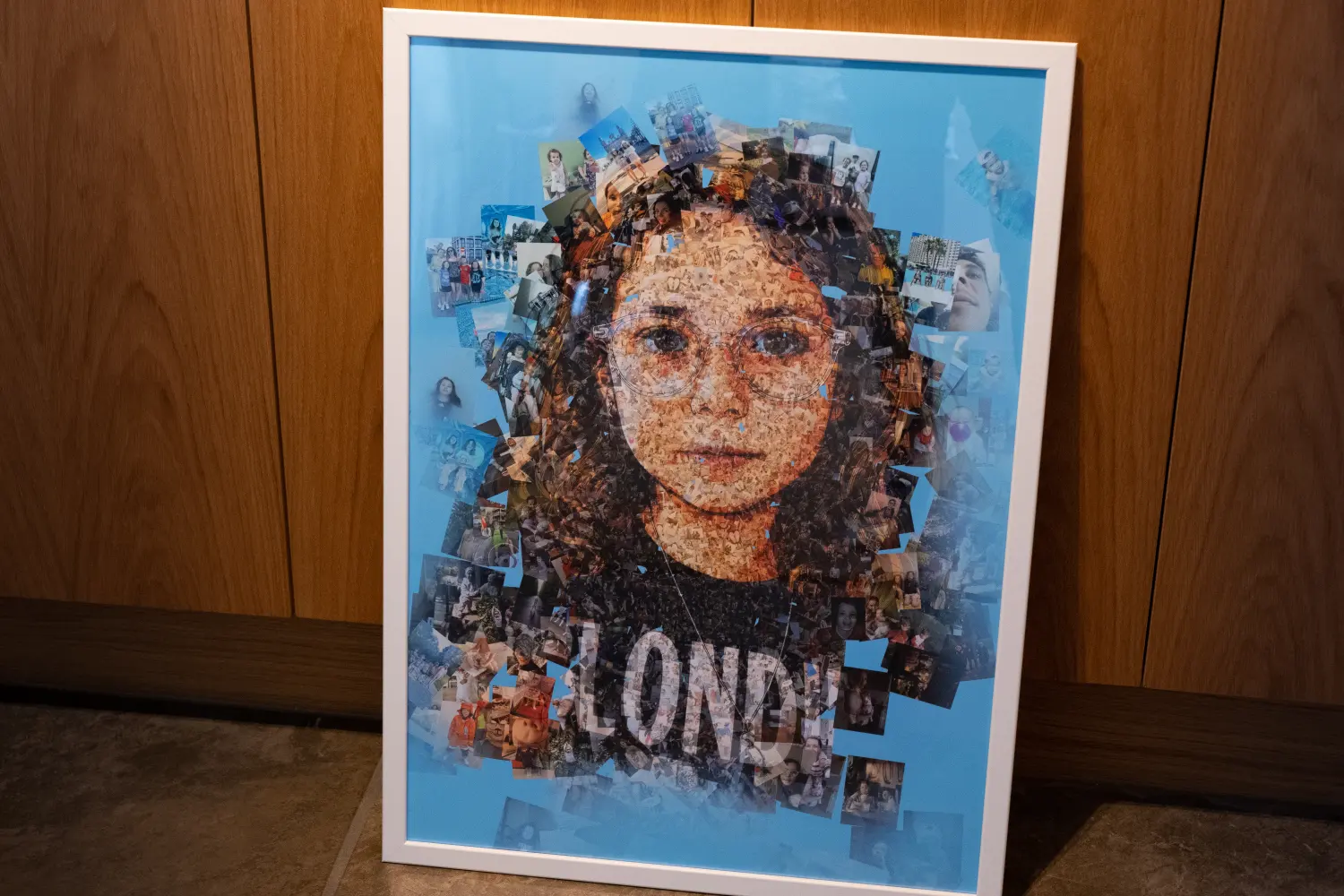
A portrait rebuilt from hundreds of tiny images: your own archive, a curated tile library, or a mix of both.
Workflow
Use a clear face, couple portrait, pet photo, or editorial image. The generator keeps the main silhouette readable while letting individual tile photos stay visible up close.
Upload your own image set or start with the curated base library. Custom libraries are normalized before rendering so mixed phone photos, exports, and screenshots behave more consistently.
Preview quickly, then refine the final mosaic in manual studio. You can adjust masks, tile scale, color blending, and layout style before committing to a larger final render.
Mosaic styles
Choose an expressive collage, a precise tiled grid, or rows and columns with controlled tile-size variation.
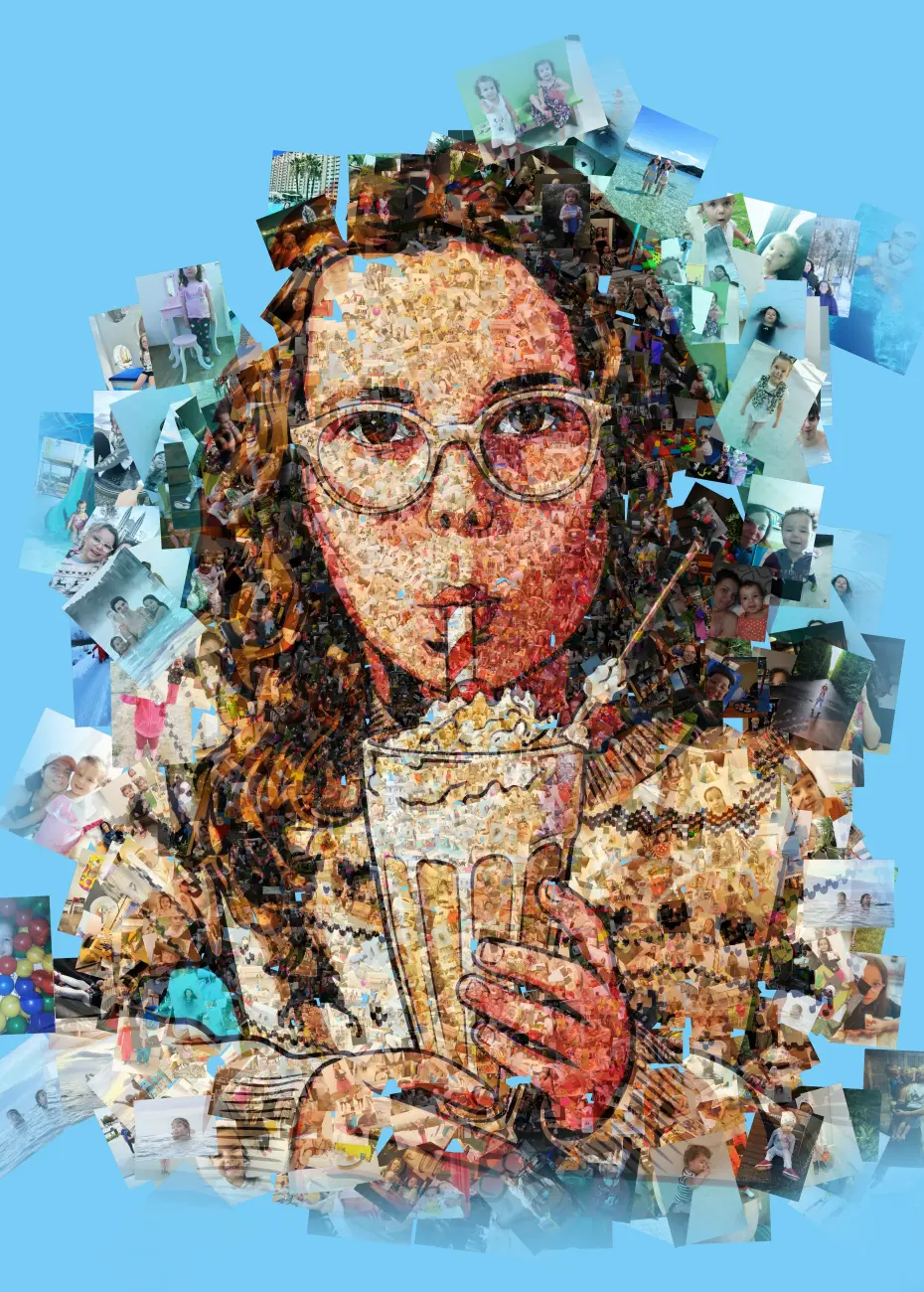
Rotated, overlapping images create a hand-assembled portrait with visible photographic fragments.
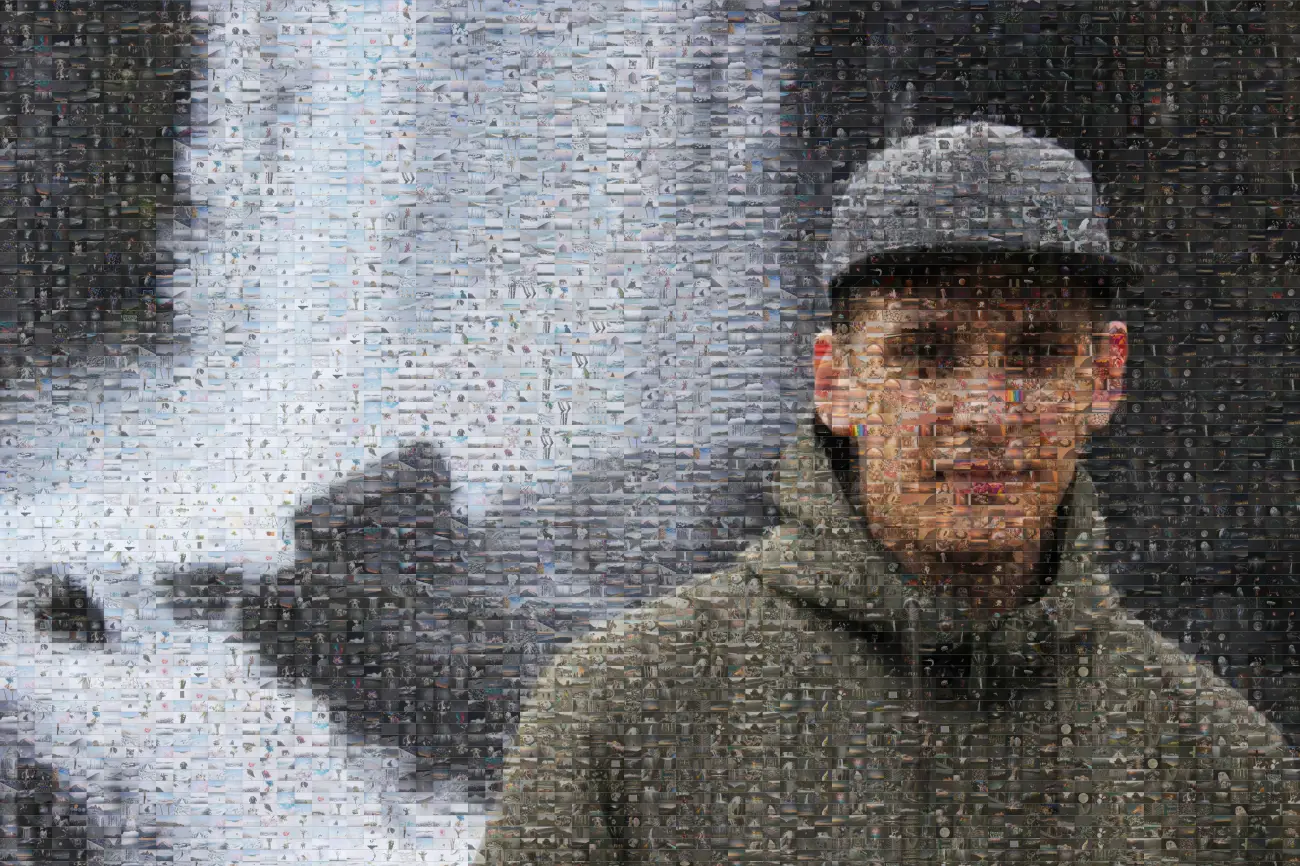
A clean tile-to-tile structure for posters, editorial layouts, and predictable print geometry.
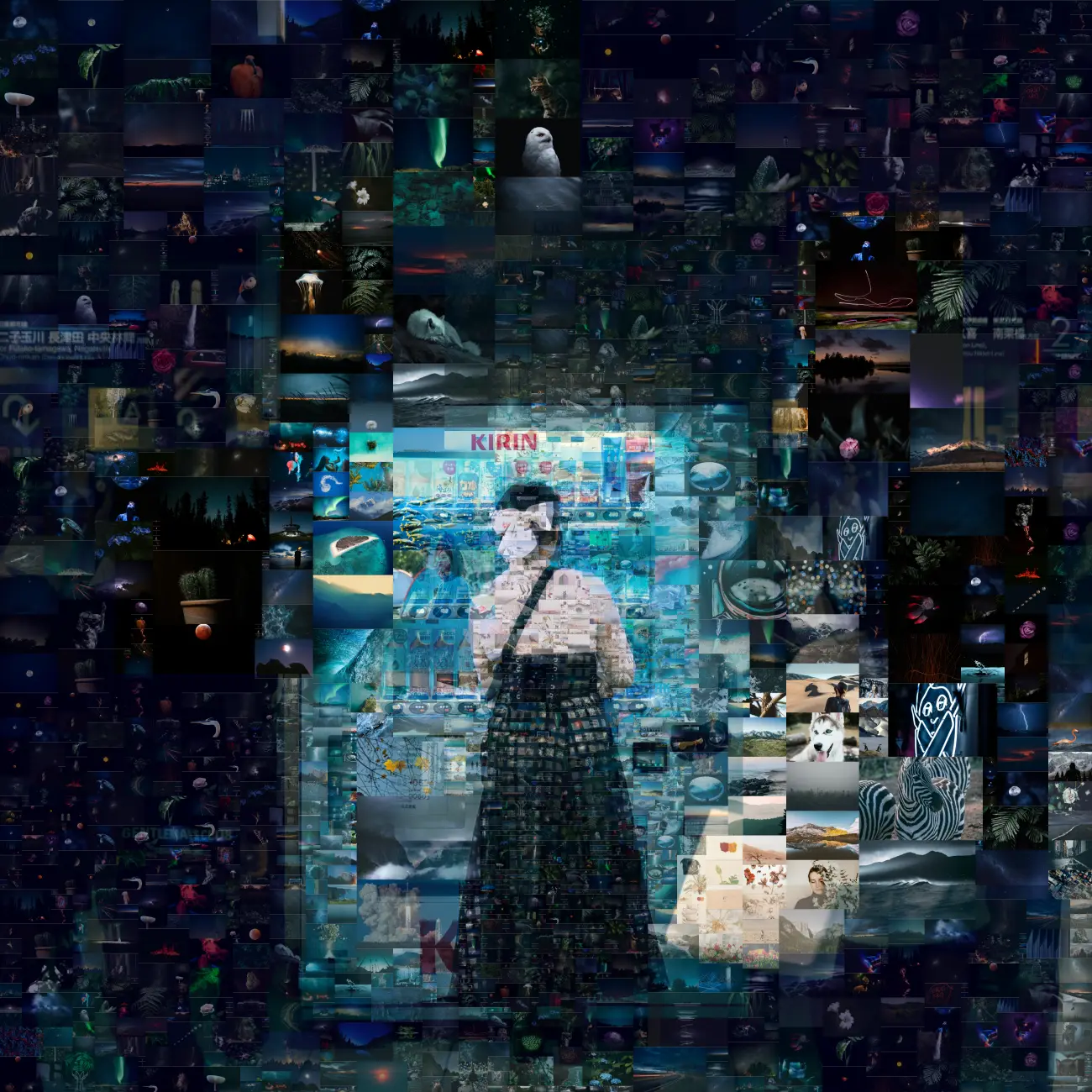
An ordered layout that still feels organic: larger tiles in quiet areas, smaller tiles where detail matters.
Examples
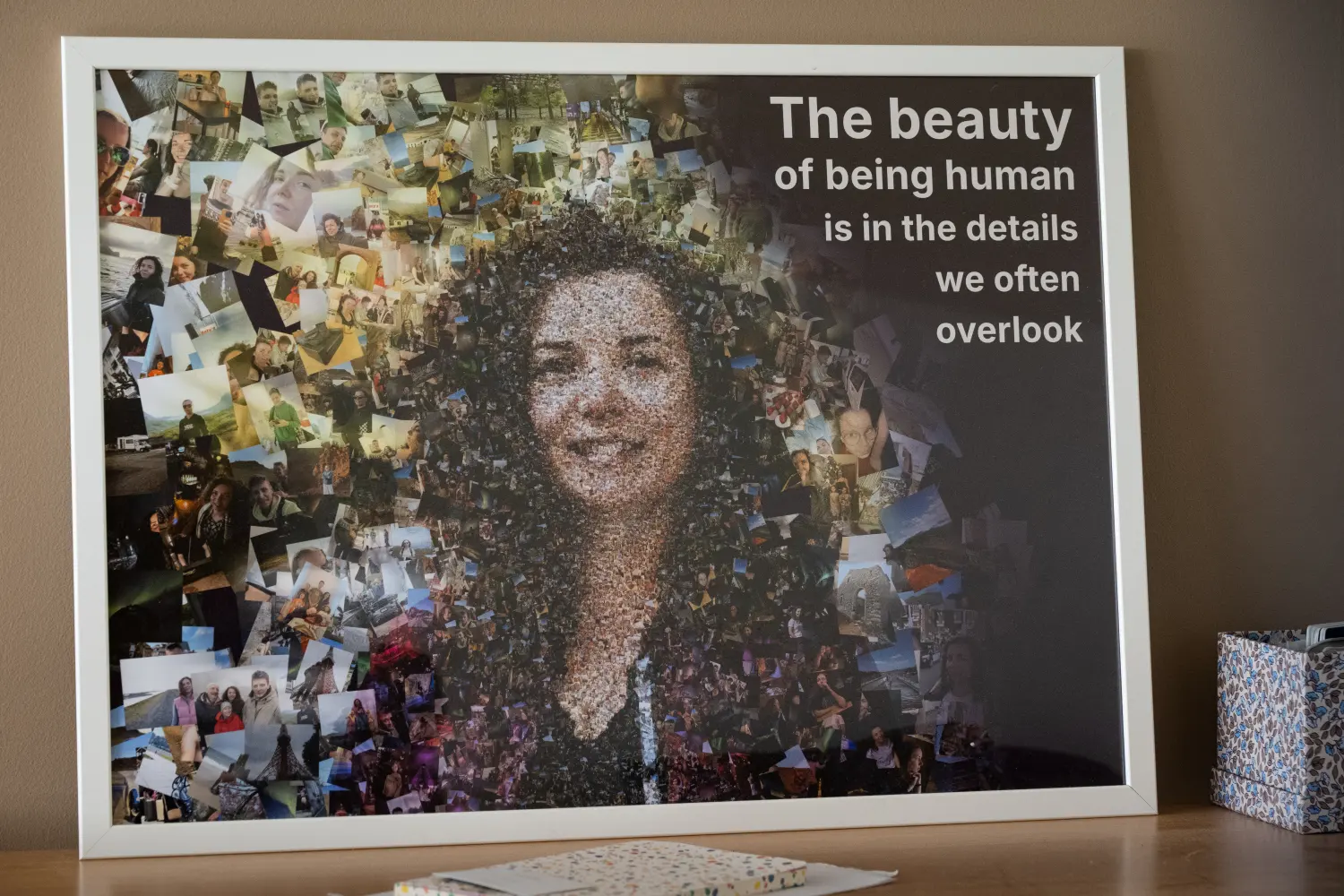
Print lab
Render a quick trial, then move into the studio for masks, tile libraries, color blending, and large output sizes.
Access
Start with a watermarked preview, then unlock final resolution when the mosaic is ready for print.
Free Trial
0 EURBest for testing the look before paying. Includes the full studio interface, a 1024 px watermarked export, and one automatic mask generation after email entry.
Normal
20 EURFor personal portraits, gifts, posters, and small-to-medium prints. Gives enough time to create several versions and refine the mask by hand.
Pro
50 EURFor large-format print, exhibition pieces, agency layouts, and clients who need extra iterations before sending artwork to production.
Questions
Yes. Upload a tile library in the studio, or start with the base collection for a fast preview.
The trial is a 1024 px preview with a watermark. Final renders are made through paid access.
Yes. Return to settings, adjust masks, tile sizes, layout style, and render another version.
It creates a black-and-white detail map so important areas can receive smaller, denser tiles while quiet areas stay larger.
Chaotic is expressive and collage-like. Fixed rows are clean and geometric. Random-size rows balance structure with organic detail.
A few hundred can work for a trial. For stronger variety, upload roughly 400 to 1500 images or use the built-in base library.
Yes. Manual mode lets you upload a black-and-white mask and add gradients on top before rendering.
The service exports the rendered mosaic image. Source job data is used internally so you can return to settings and iterate.
Use 6000 px for most posters and framed prints. Use Pro-sized renders when the artwork will be inspected up close at large scale.